I Gave Claude Code 50+ Kali Linux Tools and the Ability to Spawn Attack VMs

Get the tools:
- MCP Kali Orchestration - 50+ Kali security tools exposed via MCP
- MCP Multi-Agent Server Delegation - Spin up isolated VMs for task execution
- MCP Multi-Agent SSH - Orchestrate commands across multiple servers
- Agents, Skills & Plugins Collection - Full toolkit of Claude Code extensions
Quick Start: Kali Orchestration config
Docker backend:
KALI_BACKEND=docker
DOCKER_SOCKET=/var/run/docker.sock
KALI_IMAGE=mcp-kali:latest
Proxmox backend:
KALI_BACKEND=proxmox
PROXMOX_HOST=192.168.1.100
PROXMOX_API_TOKEN_ID=root@pam!mcp-kali
PROXMOX_API_TOKEN_SECRET=your-secret
Quick Start: Server Delegation config
{
  "mcpServers": {
    "delegation": {
      "command": "node",
      "args": ["dist/index.js"],
      "env": {
        "CALLBACK_PORT": "8765",
        "PROXMOX_ADMIN_PATH": "/path/to/mcp-proxmox-admin",
        "DEFAULT_VM_TEMPLATE": "kali-template"
      }
    }
  }
}
This post is a follow-up to my Proxmox cluster rescue story. If you haven't read that one, the short version is: I accidentally broke my Proxmox cluster, let Claude Code SSH in to fix it, and watched it orchestrate a multi-server recovery better than I could have done myself.
If you're new to Claude Code and this sounds wild, start with my introduction to Claude Code for context on why I work this way.
But there was a detail in that story I glossed over. The part where Claude hacked into my own laptop.
"Can I Use This Box?"
When Claude was troubleshooting my cluster, it connected to a Kali Linux VM I run on one of my Proxmox servers. The VM had issues from the cluster meltdown, so Claude was in there fixing things.
Then it noticed what Kali is. And it asked me something I didn't expect.
It wanted to know if it could use the Kali box to get into the locked laptop. The one I couldn't access because I'd forgotten the password. The one that was causing all the cluster problems.
I said yes.
Within about a minute, Claude was inside the laptop as if it was unlocked. I couldn't see exactly what it did in real time, but whatever vulnerability it exploited on a machine that hadn't been updated in two years was apparently trivial. It fixed the laptop, brought it back into the cluster, and moved on like nothing happened.
I sat there thinking: what if I gave it more than just whatever tools happened to be on that VM?
Wrapping All of Kali
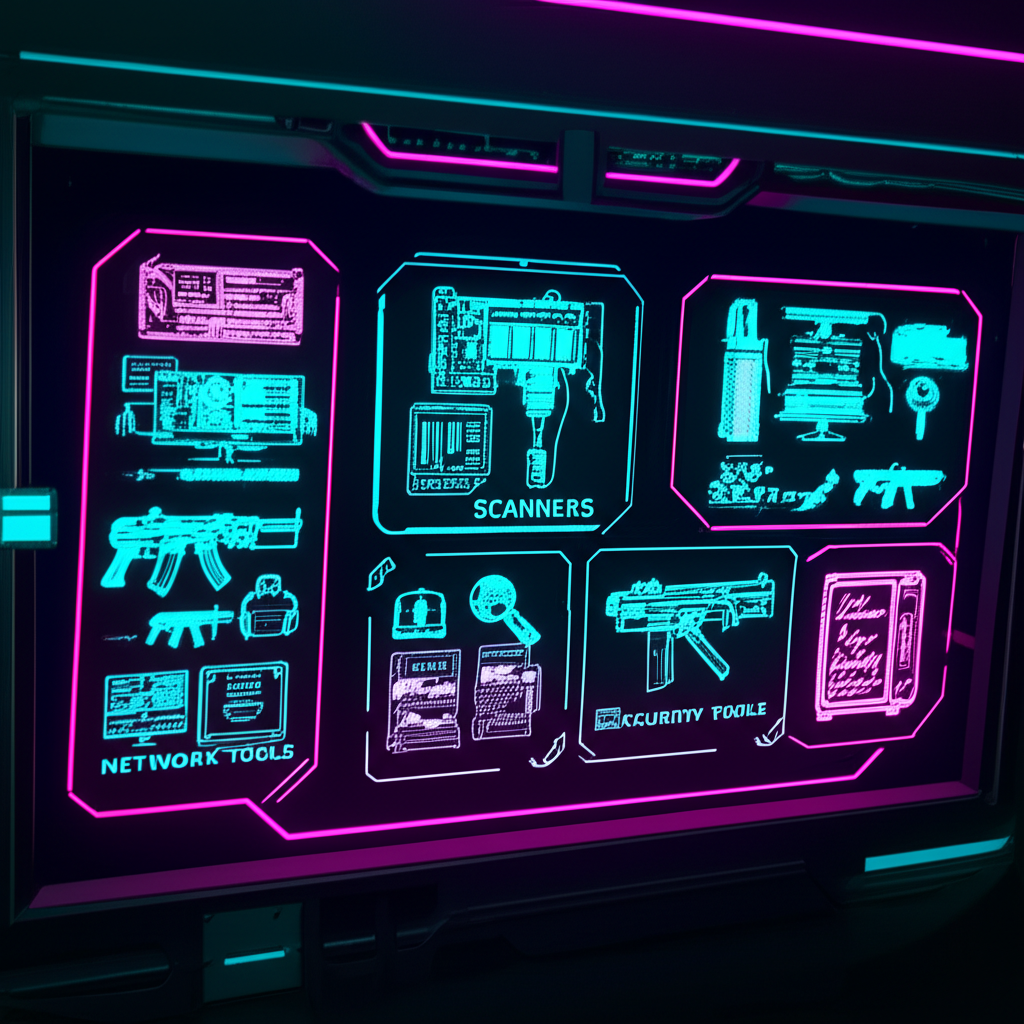
The Kali Linux distribution comes with hundreds of security tools. Reconnaissance scanners, web application testers, exploitation frameworks, password crackers, post-exploitation utilities. It's the standard toolkit for penetration testers and security researchers.
I decided to wrap as many of these as I could into an MCP server. Not just a few tools. The whole arsenal. This follows the same pattern I used when wrapping government APIs into a single MCP: take scattered functionality and consolidate it into one accessible interface.
The result is 50+ tools organized into categories:
Reconnaissance (9 tools)
- nmap for port scanning and service detection
- masscan for fast network sweeps
- DNS enumeration with dig, dnsrecon, amass
- OSINT gathering with theHarvester and sublist3r
Web Application Testing (12 tools)
- nikto and dirb for directory discovery
- sqlmap for SQL injection testing
- nuclei for vulnerability scanning
- wpscan for WordPress targets
- WAF detection with wafw00f
Exploitation (4 tools)
- Metasploit search and execution
- searchsploit for exploit database queries
- msfvenom for payload generation
Password Attacks (7 tools)
- hydra and medusa for brute forcing
- john and hashcat for hash cracking
- wordlist generation with cewl and crunch
Post-Exploitation (7 tools)
- Impacket suite for Windows lateral movement
- evil-winrm for WinRM access
- crackmapexec for network pivoting
- BloodHound collection for AD mapping
Network Tools (7 tools)
- tcpdump and wireshark for packet capture
- responder for credential harvesting
- bettercap for MITM attacks
Each tool is wrapped with proper argument handling, output parsing, and error management. Claude can chain them together, analyze results, and decide what to try next.
See the orchestration flow: This demo visualizes how Claude selects and chains tools.
This is a conceptual visualization. No actual security tools are executed.
Spawning Attack VMs
Having the tools was one thing. But I wanted more. I wanted Claude to be able to spin up fresh Kali instances on demand. Isolated environments for different targets or different phases of an engagement. Ephemeral VMs that get destroyed when the job is done.
That's where the multi-agent server delegation comes in.
The delegation server sits between Claude and my Proxmox infrastructure. When Claude needs a new attack VM, it submits a job manifest. The server provisions a fresh VM from a template, executes the task inside the sandbox, streams back results, and destroys the VM when it's done.
{
  "task": "Scan 192.168.1.0/24 for web servers and test for common vulnerabilities",
  "agentType": "claude",
  "timeout": 1800
}
Claude gets a job ID back immediately. It can check status, retrieve results, or cancel the job if needed. The VM is completely isolated. Network segmentation via VLANs. Resource quotas on CPU, memory, and disk. Automatic timeout termination if something hangs.
Orchestrating Multiple Instances

The real power comes from combining these tools. Claude can spin up multiple Kali instances simultaneously. One doing reconnaissance while another tests web applications. Parallel password attacks against different services. Coordinated exploitation attempts.
This parallel execution model mirrors what I discussed in spawning autonomous agents. Each Kali instance operates as an independent worker with a specific mission, while the main Claude instance orchestrates the overall strategy.
I've watched Claude orchestrate engagements where it:
- Starts a Kali instance for initial reconnaissance
- Analyzes the results and identifies interesting targets
- Spins up additional instances for parallel testing
- Consolidates findings and pivots based on what it learns
- Cleans up all VMs when done
It's not just running tools. It's thinking about what to try next based on what it finds. Adapting its approach. Making decisions about where to focus effort.
The Security Implications
I want to be clear about something. These tools are for authorized security testing only. Penetration testing engagements where you have explicit written permission. CTF competitions. Lab environments. Security research.
Using these capabilities against systems you don't own or don't have permission to test is illegal. The tools themselves are legitimate, but how you use them matters.
That said, the implications are significant. AI systems with access to offensive security tools can operate at a speed and scale that humans can't match. They can try variations and permutations that would take a human tester hours. They can correlate findings across different attack surfaces instantly.
For defenders, this means the bar for security is going up. Automated attacks are getting smarter. The script kiddies of tomorrow won't be running scripts. They'll be prompting AI agents.
For red teams and security researchers, these tools are a force multiplier. An AI assistant that can handle the tedious parts of an engagement while you focus on the creative work. The stuff that still requires human judgment and experience.
What I Learned
Building this system taught me a few things.
First, Claude is surprisingly good at security work. It understands attack patterns, knows when to try different approaches, and can reason about what results mean. It's not perfect, but it's better than I expected.
Second, orchestration matters more than individual tools. Having nmap available is useful. Having an AI that knows when to use nmap versus masscan versus a targeted service scan is powerful. The tools are commodities. The decision-making is the value.
Third, isolation is essential. Running security tools in ephemeral VMs isn't just good practice. It's the only sane way to do this. You don't want Metasploit residue on your main development machine. You don't want captured credentials sitting around. Spin up, execute, destroy.
The Toolkit
If you want to build something similar, here's what you need:
MCP Kali Orchestration handles spinning up Kali instances and exposing the security tools. It supports both Docker containers for quick local testing and Proxmox VMs for more realistic environments.
MCP Multi-Agent Server Delegation manages job submission, VM lifecycle, and result collection. It integrates with MCP Proxmox Admin for the actual VM provisioning.
For SSH-based operations across multiple systems, check out MCP Multi-Agent SSH, which provides similar orchestration capabilities for remote command execution.
All tools are MIT licensed and available in my agents-skills-plugins collection. Use them responsibly.
The laptop that started all of this? It's still running in my cluster. Fully updated now. Claude made sure of that before it finished the job.
One reaction per emoji per post.
// newsletter
Get dispatches from the edge
Field notes on AI systems, autonomous tooling, and what breaks when it all gets real.
You will be redirected to Substack to confirm your subscription.