I Stopped Using My IDE's AI Assistant. Here's What I Switched To.

Get the tools: agents-skills-plugins
The Autocomplete Trap
I'd been using AI assistants in my IDE for over a year. Tab-complete suggestions. Inline chat. The whole deal. It was... fine. Sometimes useful. Often annoying. Occasionally completely wrong in ways that cost me hours.
But here's the thing that finally broke me: I realized I wasn't thinking anymore. I was just accepting suggestions. Tab, tab, tab. Like a developer-shaped rubber stamp.
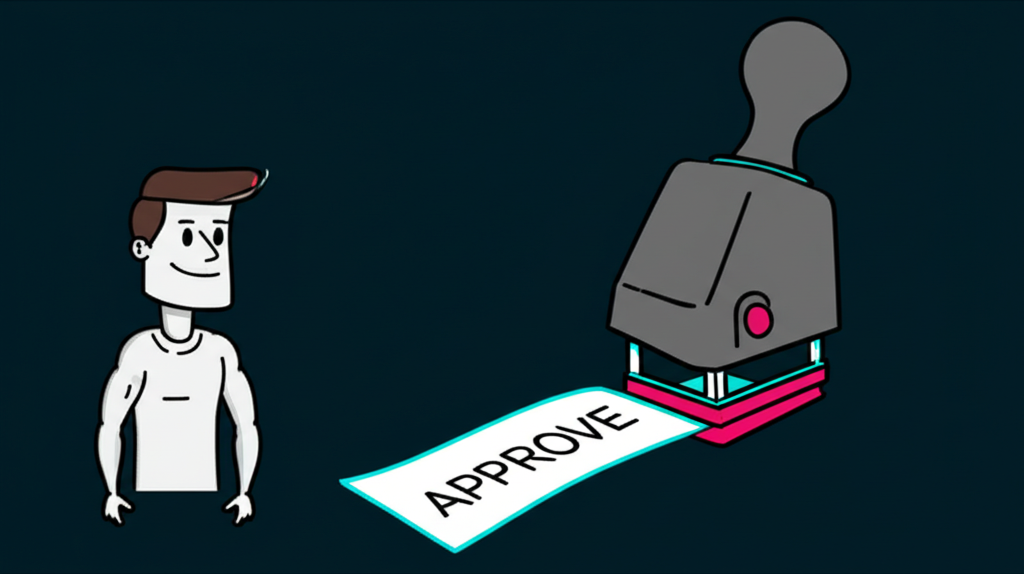
Then someone at Chainbytes mentioned Claude Code. "It's different," they said. "It's a CLI tool. You actually have conversations."
I was skeptical. A CLI? In 2025? When we have fancy GUI integrations and floating windows and all that jazz?
Three months later, I'm writing this post. I haven't opened my IDE's AI panel in weeks.
What Even Is Claude Code?
Claude Code is Anthropic's official command-line interface for Claude. Not a plugin. Not an extension. A standalone terminal application that puts an AI assistant directly in your workflow where you already live: the command line.
You install it, you authenticate, and suddenly you have Claude sitting in your terminal, ready to help. But here's what makes it different from every other AI coding tool I've used:
It doesn't try to write your code for you. It tries to understand your codebase first.
The first time I ran claude in a project directory, it didn't immediately offer to refactor my components or generate boilerplate. It asked me what I was working on. It explored my file structure. It understood the context before making suggestions.
This might sound small. It's not.
The "Show Me, Don't Tell Me" Moment
Here's a simple example. I was debugging a TypeScript issue in a Next.js project. Type errors cascading through three files. The kind of thing where you fix one error and two more appear, like some kind of hydra.

In my old workflow, I'd paste the error into the AI chat, get a suggestion, apply it, get a new error, paste that, repeat forever.
With Claude Code, I did this:
// In my terminal, I just asked Claude to investigate
// "There's a type error in the UserProfile component.
// Can you trace where the type mismatch is coming from?"

// Claude read the relevant files, traced the imports,
// and identified the actual root cause:
// A utility function three files deep was returning
// string | undefined when the component expected string.

// The fix wasn't in the component that showed the error.
// It was in a file I hadn't even looked at yet.
Claude didn't just fix the symptom. It understood the system well enough to find the disease.
That's when I got it. This isn't autocomplete on steroids. This is having a collaborator who can actually read and reason about your code.
The Plugin Ecosystem (The Real Game Changer)
Here's where things get interesting. Claude Code has a plugin architecture. Skills, hooks, agents - different ways to extend what the tool can do.
I've been building some of these myself at github.com/EricGrill/agents-skills-plugins. It started as curiosity and turned into something I use daily.
-
Skills let you teach Claude new capabilities. Repeatable workflows. Domain-specific knowledge. Things Claude should always do (or never do) in your projects.
-
Hooks intercept tool calls. Want to prevent Claude from ever running
rm -rfwithout confirmation? That's a hook. Want to log every file edit for review? Hook. -
Agents are autonomous workflows. Give them a goal, let them work toward it. More specialized than base Claude, more focused on specific tasks.
I won't go deep on these here - they each deserve their own posts. But the fact that you can customize and extend your AI assistant's behavior? That's a different category of tool.
The Workflow Shift
My development workflow used to be:
- Write code
- Hit wall
- Open AI chat
- Paste context
- Get suggestion
- Paste back into editor
- Hope it works
- Repeat
Now it's:
- Write code
- Hit wall
- Talk to Claude in my terminal
- Claude reads the actual files, understands the actual context
- We figure it out together
- Changes happen where changes should happen
No copy-paste gymnastics. No context windows that forget what we were talking about. Just a conversation with something that can actually see my code.
The Honest Parts
Is Claude Code perfect? No. Sometimes it misunderstands. Sometimes it's overly cautious. Sometimes I want it to just write the damn function instead of explaining three different approaches.
But here's what I've noticed: when Claude Code is wrong, I catch it faster. Because I'm reading what it's doing. I'm part of the conversation. I'm not just rubber-stamping suggestions.
I'm thinking again.
Getting Started
If you want to try it:
# Install Claude Code
npm install -g @anthropic-ai/claude-code

# Authenticate
claude auth

# Start a conversation in your project
cd your-project
claude
That's it. No IDE plugins to configure. No extension marketplace to navigate. Just a tool in your terminal.
And if you want to see what's possible with plugins, check out what I've been building: github.com/EricGrill/agents-skills-plugins. The brainstorming skill alone has saved me from starting projects I wasn't ready to build.
The Sign-Off
I've tried a lot of AI coding tools. Most of them feel like autocomplete with delusions of grandeur. Claude Code feels like pair programming with someone who actually did the reading.
That's the difference. That's why I switched.
The terminal isn't where AI coding tools go to die. It's where they go to finally make sense.
"The best tools don't replace your thinking. They give you room to think better."
Next up: I'll be writing about specific plugins - the brainstorming skill that stops me from coding before I'm ready, the debugging agent that traces errors to their source, and the hooks that keep Claude from doing things I'll regret. Stay tuned.
One reaction per emoji per post.
// newsletter
Get dispatches from the edge
Field notes on AI systems, autonomous tooling, and what breaks when it all gets real.
You will be redirected to Substack to confirm your subscription.