Running Your AI Assistant on Local GPUs for Free
Get the tool: agents-skills-plugins
The $14/Day Problem
I have an AI assistant named R2-D2. He runs on OpenClaw with Claude Opus as the brain, and he does a lot of shit for me. Today I asked him to monitor an iMessage group chat with my business partners. We're building StencilWash together, and I wanted R2 to keep tabs on the conversation, summarize decisions, and flag anything that needed my attention.
Simple enough. Set up a cron job, check for new messages every 2-3 minutes, have the AI process anything new. Done.
Except here's the thing. Every single check was a full agent turn on Claude Opus. Even when nobody had said anything. Even at 2 AM. The cron fires, OpenClaw spins up, Claude reads the context, decides there's nothing new, and responds with essentially "no new messages." That's a few cents per check. Doesn't sound like much until you do the math.
Every 3 minutes is 480 checks per day. At even $0.03 per turn, that's $14.40 a day. Over $400 a month. For a monitoring task where 90% of the checks find absolutely nothing.
That's insane. I'm not paying $400 a month so my AI can tell me nobody texted.

The Homelab to the Rescue
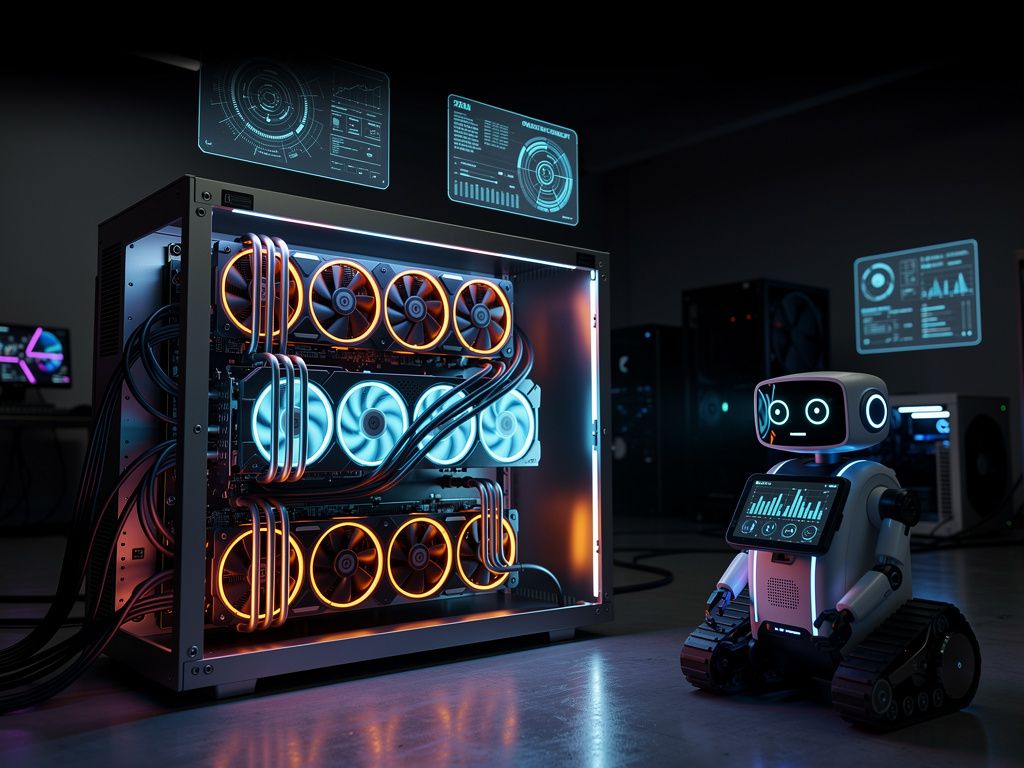
I have a VM in my homelab called "rancor" sitting at 192.168.50.119. It's running Ollama with a Tesla GPU and an RTX 3090. I originally set it up to experiment with local models, but today it earned its keep.
Ollama is dead simple. It runs open-source LLMs on your own hardware. I've got a handful of models loaded up: qwen3:30b, mistral:7b, gemma3:27b, and a few others. The 30b parameter models are surprisingly good for most tasks that don't require frontier-level reasoning.
The idea was straightforward. Instead of burning Opus tokens on routine monitoring, route those tasks to the local models. Save the big guns for when I actually need them.
Wiring It Up
OpenClaw supports multiple model providers out of the box. Adding Ollama took about 30 seconds of config editing. You add a provider entry under models.providers pointing to your Ollama instance:
models:
  providers:
    ollama:
      baseUrl: http://192.168.50.119:11434
That gets OpenClaw talking to Ollama. But there's a gotcha. When OpenClaw spawns sub-agents (which it does for a lot of tasks), those sub-agents need to know which models are available too. So you also need to add your local models to agents.defaults.models:
agents:
  defaults:
    models:
      - ollama/qwen3:30b
      - ollama/mistral:7b
Now any agent or sub-agent can use the local models. The monitoring cron job runs on qwen3:30b locally. Zero API cost. The model is plenty smart enough to read a chat transcript and decide if something needs attention.
Cold Starts and Keeping It Warm
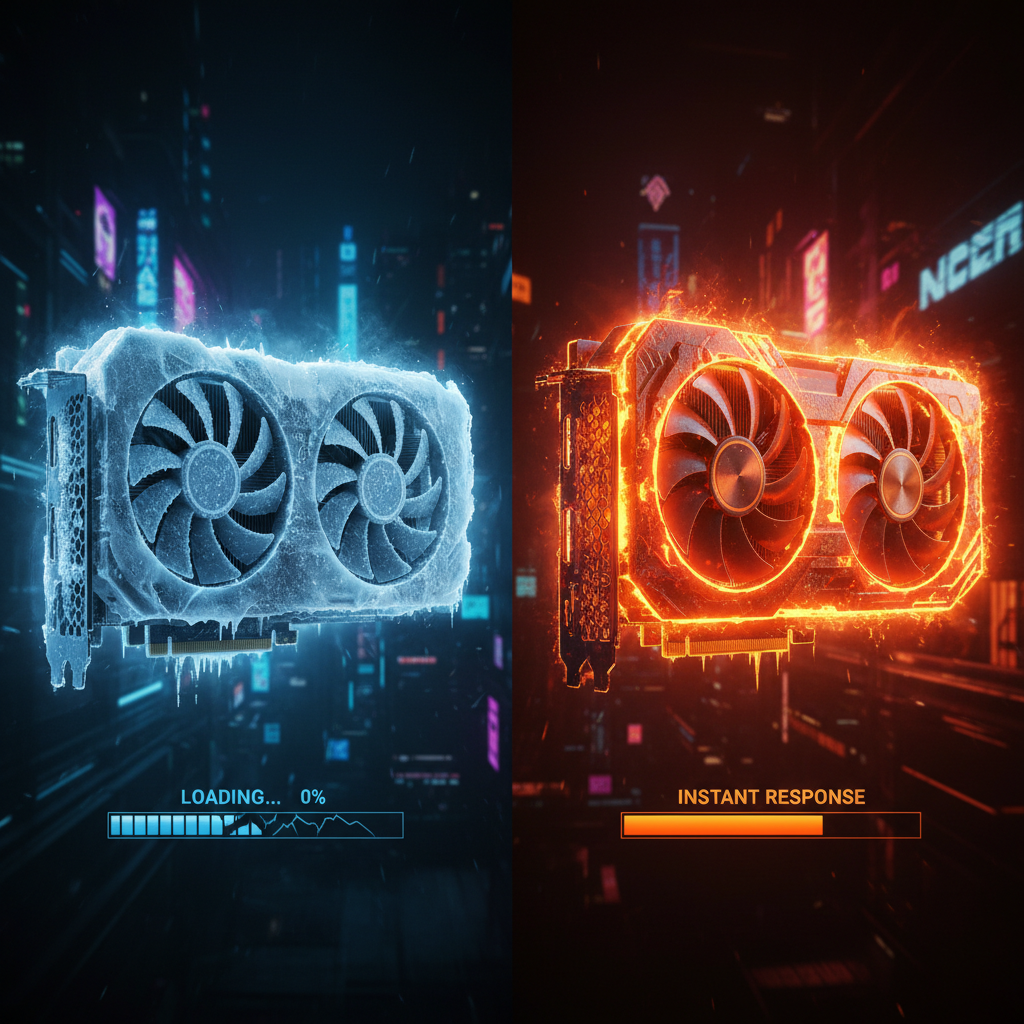
There's one thing to be aware of with local models. Cold starts are real. When Ollama hasn't used a model recently, it needs to load the weights into VRAM. For qwen3:30b, that's about 18GB of model data. First inference after a cold start takes around 30 seconds.
But here's where the monitoring pattern actually works in our favor. Ollama's default keep-alive is 5 minutes. If you're checking every 3 minutes, the model never unloads. After that initial cold start, every subsequent check gets near-instant inference. I tested mistral:7b and saw 32 seconds for the cold load but only 60ms for actual inference once warm. The 30b model is a bit slower on inference but the quality jump is worth it.
So the cron interval isn't just about how often you want to check. It's also about keeping your model warm. Set it shorter than the keep-alive window and you get consistently fast responses. Let it drift longer and you'll eat that cold start penalty every time.
The Monitoring Pattern
The actual implementation is cleaner than you'd think. There are two approaches:
Option one: A dumb bash script checks for new iMessages. If there's nothing new, it exits. No AI involved, no tokens burned, no GPU cycles wasted. Only when someone actually sends a message does it wake up the AI to process and respond. This is the cheapest approach.
Option two: Let the local model handle the whole loop. The cron fires, hits the local model, and it checks for messages AND formulates responses. This costs GPU cycles every 3 minutes, but since it's your GPU, who gives a damn? The electricity cost is negligible compared to API pricing.
I went with option two because it's simpler and the cost is literally my electric bill, which doesn't change whether rancor is idle or doing inference.
The Economics of Always-On AI
This is the real point. If you're running AI assistants that need to be always-on, doing periodic checks, monitoring feeds, watching for events, the economics of cloud API calls fall apart fast.
Let's break it down:
- Cloud API (Claude Opus): ~$0.03 per check × 480 checks/day = $14.40/day ($432/month)
- Local GPU (qwen3:30b on Ollama): electricity cost ≈ $0.50/day maybe, being generous
That's a 96% cost reduction. For a task where you genuinely don't need frontier intelligence. The group chat monitor doesn't need to write poetry or solve differential equations. It needs to read messages, understand context, and decide if something is important. A 30b parameter model handles that just fine.
And this scales. Every additional monitoring task you add to the cloud API multiplies the cost linearly. On local hardware, you can run dozens of these tasks and the marginal cost is basically zero until you saturate your GPU.
When to Use What
I'm not saying local models replace cloud APIs. They don't. When I need R2 to do complex reasoning, write code, or handle nuanced conversations, Claude Opus is still the play. The quality difference is real and worth paying for.
But for the grunt work? The monitoring, the checking, the "is there anything new?" loops? That's local model territory. Use the right tool for the job.
Here's my rule of thumb: if the task is repetitive, the stakes are low, and a wrong answer just means you check again in 3 minutes, run it locally. If the task requires creativity, complex reasoning, or the output goes directly to a human, use the best model you can afford.
Get Started
If you want to try this yourself:
- Set up Ollama on any machine with a decent GPU
- Pull a model:
ollama pull qwen3:30b(or start smaller withmistral:7b) - If you're using OpenClaw, add the provider config and you're done
- Point your monitoring tasks at the local model
The barrier to entry is a GPU and 10 minutes of setup. If you've got a gaming PC collecting dust or a homelab server, you've already got what you need.
My AI assistant still runs on Claude Opus for the important stuff. But for the 480 daily "hey, anything happening?" checks, rancor handles it. For free. Well, for the cost of electricity and a server I already owned.
Sometimes the best optimization isn't a better algorithm. It's just not paying for shit you don't need to pay for.
One reaction per emoji per post.
// newsletter
Get dispatches from the edge
Field notes on AI systems, autonomous tooling, and what breaks when it all gets real.
You will be redirected to Substack to confirm your subscription.